Step by Step Guide
Unlock Xiaomi phone bootloader in 4 easy steps
Download Mi Unlock Tool APK from the download button below. After download, open the APK file and install it.
- Enable "Install from unknown sources" from Settings → Security
- Supports all versions from Android 5.0 to Android 17
Open the Mi Unlock Tool app. Login to your Xiaomi account (with email/phone number and password).
- Login with the same account your phone is bound to
- If you don't have an account, use Create Account option from Mi Unlock Tool
Tap MIUI version 7 times in Settings → About phone to unlock developer mode. Then enable "OEM unlocking" and "USB debugging" from Developer options.
Turn off your phone completely. Press and hold Volume Down + Power buttons together. When you enter Fastboot/Bootloader mode, click "Start Unlock" in Mi Unlock Tool.
- You can also enter bootloader mode via ADB command:
adb reboot bootloader - Unlocking will delete all data on your phone. Make a backup beforehand
- The process will take 1-2 minutes to complete. When finished, the phone will reboot automatically
Screenshots
View Mi Unlock Tool interface and process
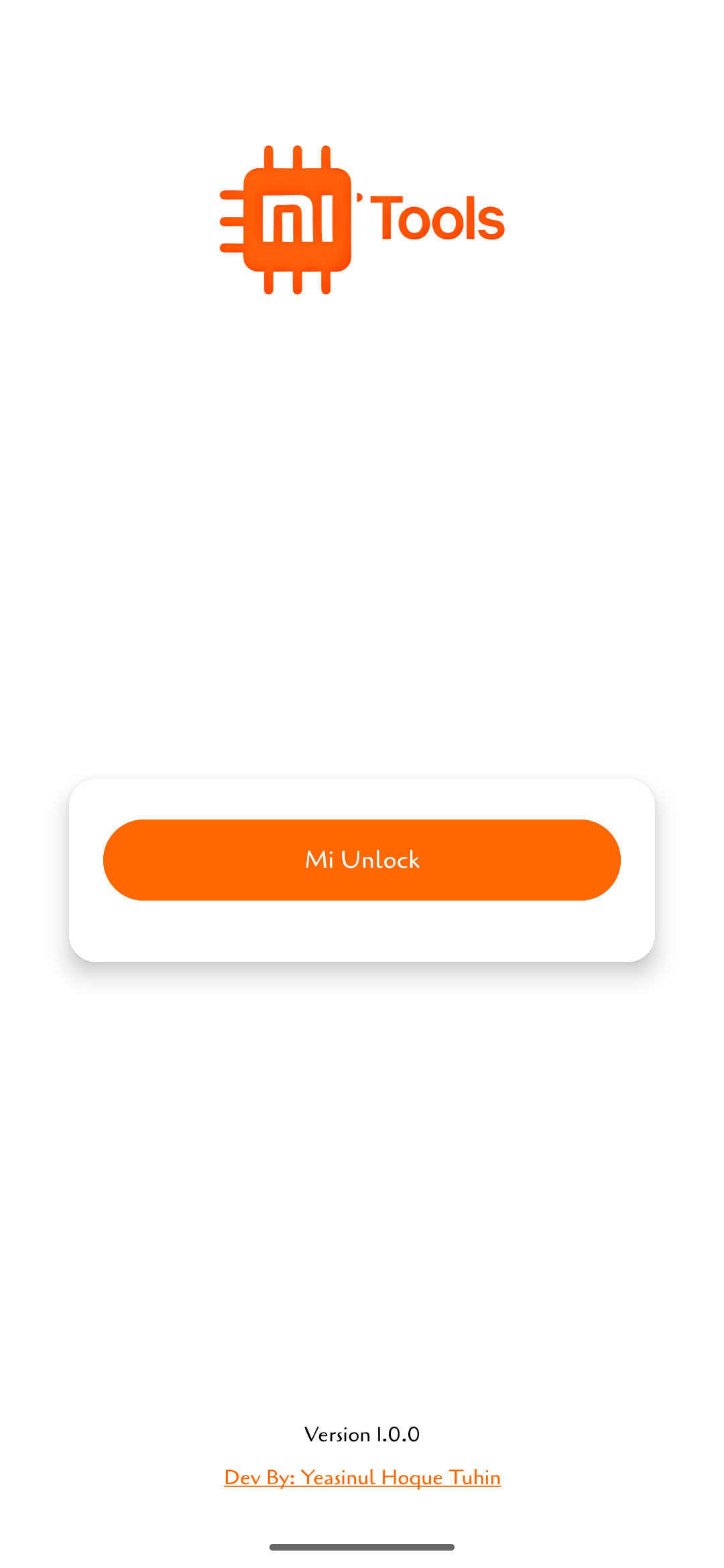
Main Interface
App Open and what you see
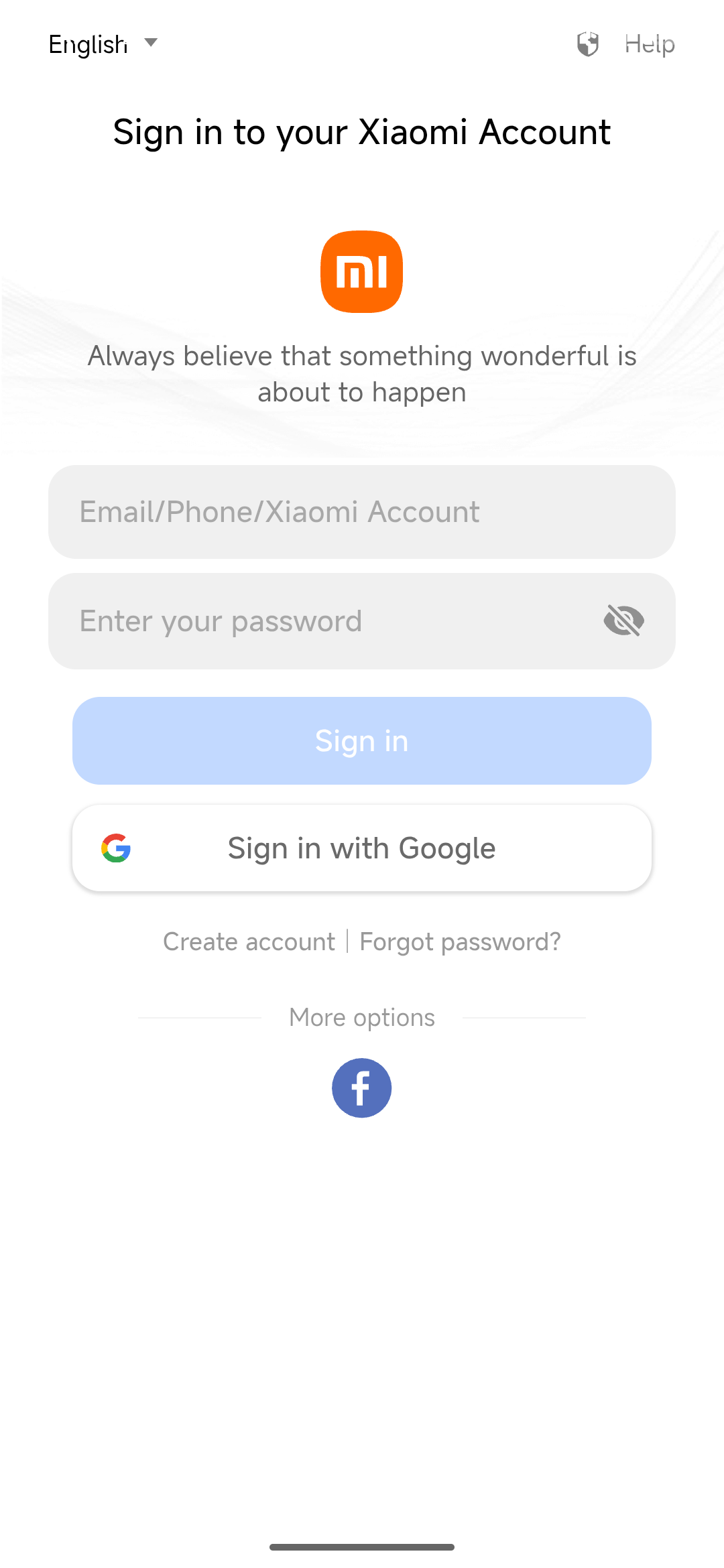
Login Screen
Secure Xiaomi account verification

Unlock Process
Real-time unlock progress indicator
Download Mi Unlock Tool
Android APK tool for unlocking Xiaomi, Redmi, POCO phone bootloader
Version: 1.0.0 | Update: February 2026 | Size: 5.4 MB | Android 5.0+
Android 5.0+
Internet
Xiaomi Account
Xiaomi/Redmi/POCO
Frequently Asked Questions
Common questions and answers about Mi Unlock Tool
Developer Information
About the creator of Mi Unlock Tool

Yeasinul Hoque Tuhin
Android technology expert, content creator and software developer. Working on Android modification, custom ROM and rooting for >5 years.